
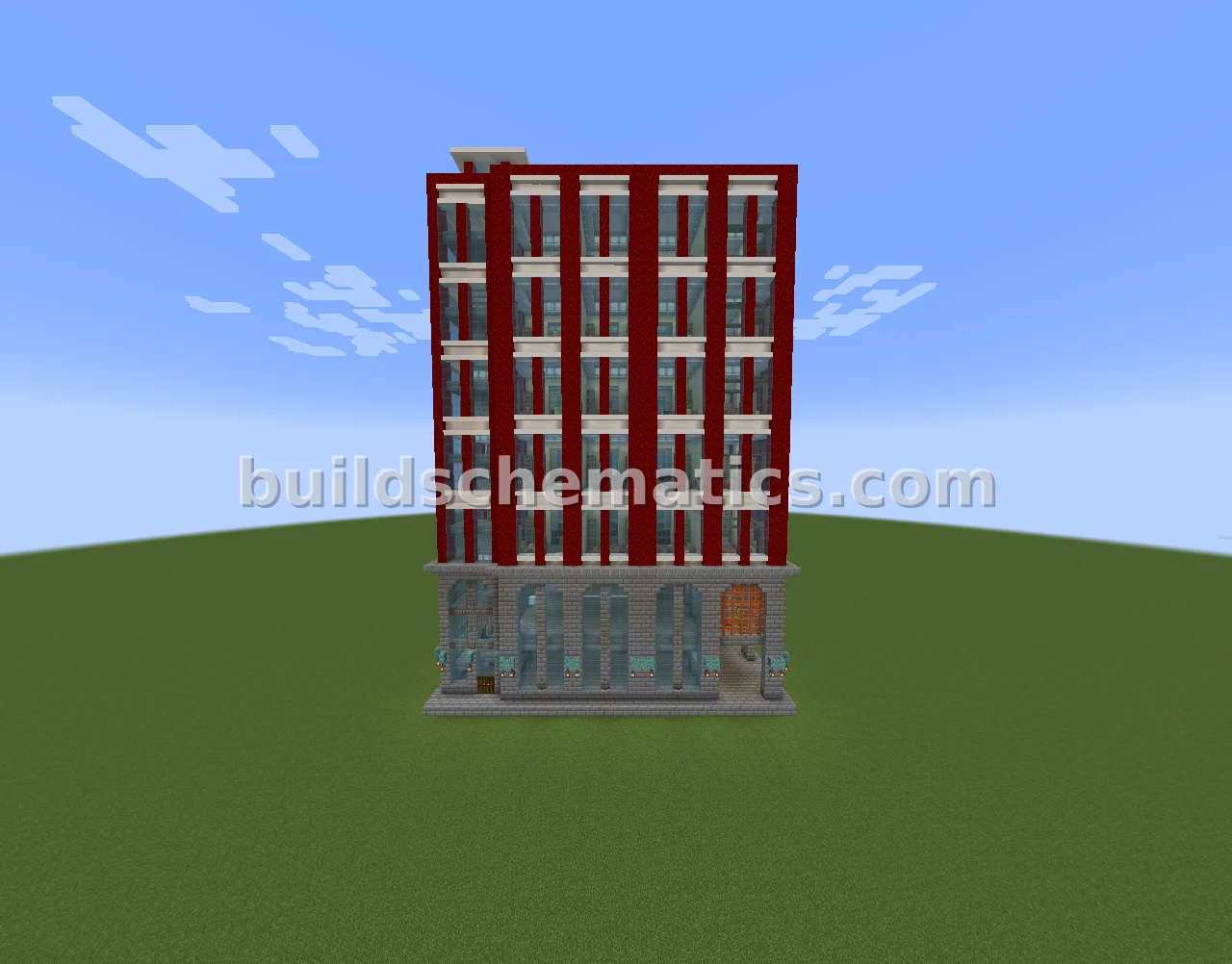
3D PREVIEW
Click to load the interactive 3D viewer. Downloads textures (~20MB) on first use.
Build
RED BUREAUCRATIC OFFICE BUILDING
by kbalex•Credits: kbalex
0DOWNLOADS
1VIEWS
0LIKES
DESCRIPTION
Red Bureaucratic Office Building is a Minecraft build. Download the schematic and load it with Litematica or WorldEdit.
SIZE
6385
HOW TO USE
- Install the Litematica mod for Minecraft (Fabric).
- Download the schematic file using the button above.
- Place the file in your
.minecraft/schematicsfolder. - In-game, open Litematica's menu (default
M), load the schematic, and place it where you want to build. - Gather the resources from the AH cost list and start placing blocks!
Litematica is a third-party mod by masady - we are not affiliated with or endorsed by them.