
3D PREVIEW
Click to load the interactive 3D viewer. Downloads textures (~20MB) on first use.
Stash
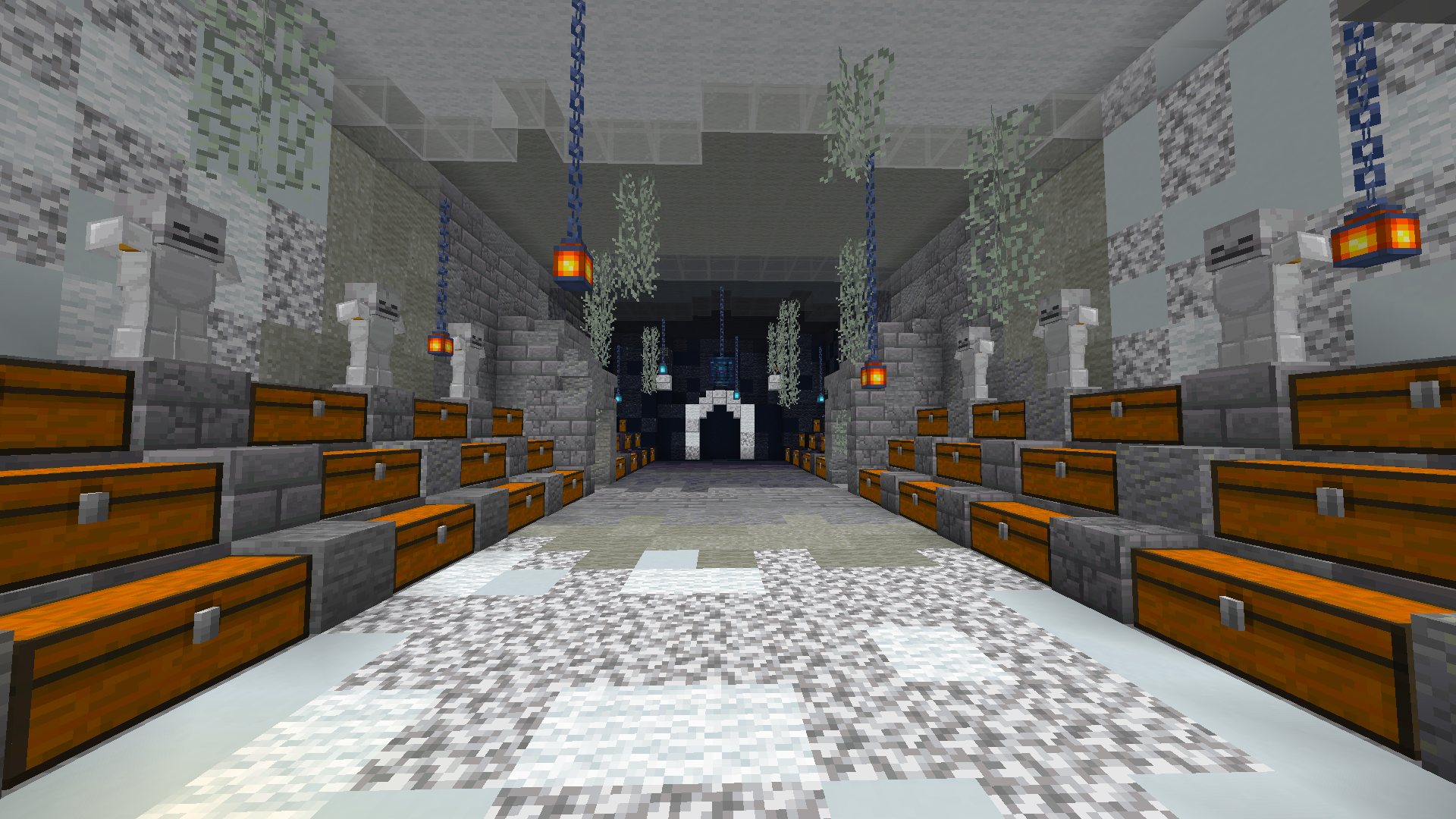
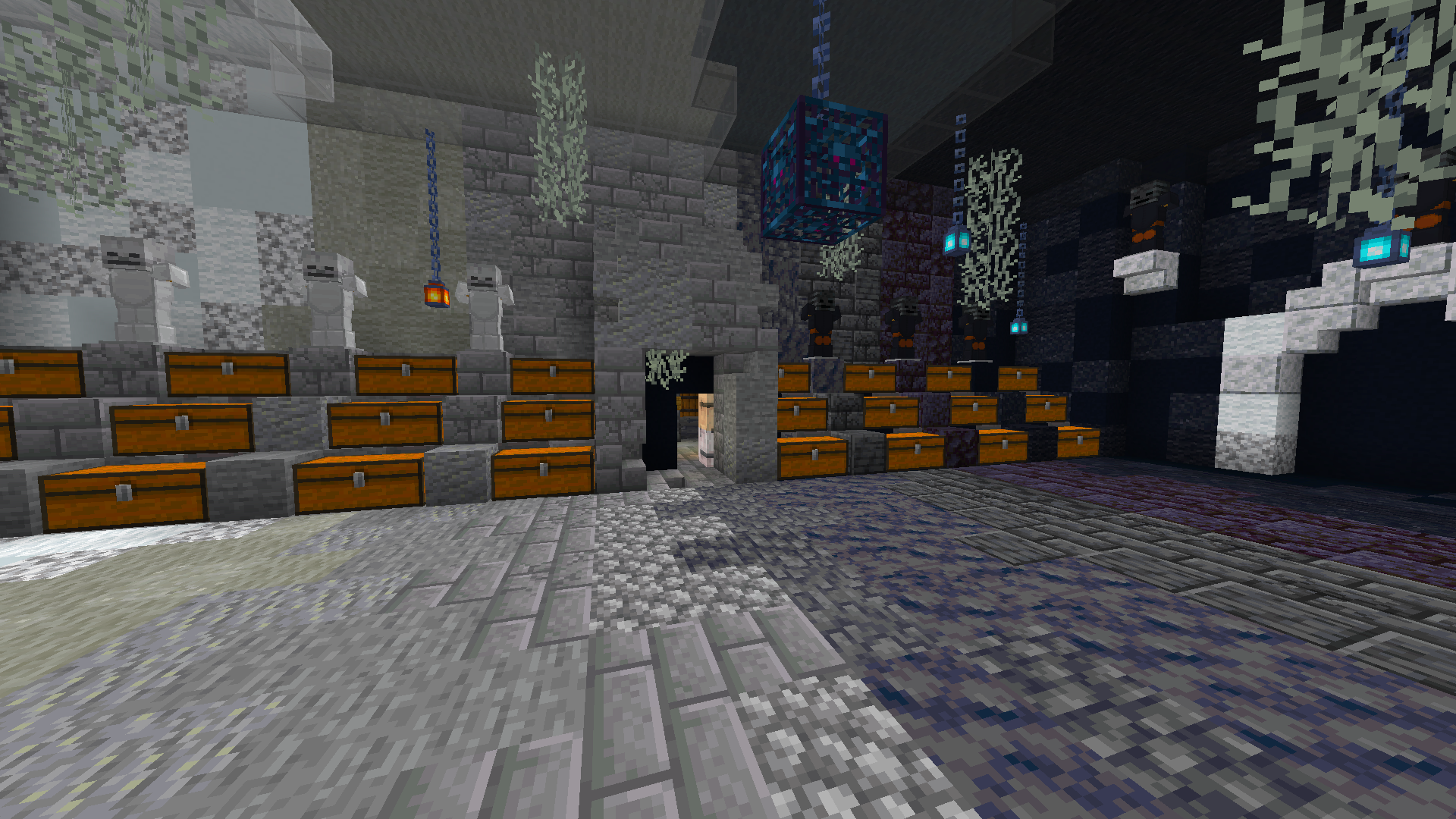
WHITE BLACK STASH BUILD BY FREDDYS BAMBUSS 1
by freddy•Credits: freddy
0DOWNLOADS
2VIEWS
0LIKES
DESCRIPTION
## <:emoji_129:1502279701014773912> White black Stash build by Freddys Bambuss 1 <:emoji_56:1477511080669483161> Donut Schematics `Taking This Schematic and posting it in your own server without credit will result in scammer role on 10+ servers and blacklists` ### <a:crown_purple:1534485808948580483> Original Creator: freddy -# SN:605
SIZE
25 x 11 x 33
HOW TO USE
- Install the Litematica mod for Minecraft (Fabric).
- Download the schematic file using the button above.
- Place the file in your
.minecraft/schematicsfolder. - In-game, open Litematica's menu (default
M), load the schematic, and place it where you want to build. - Gather the resources from the AH cost list and start placing blocks!
Litematica is a third-party mod by masady - we are not affiliated with or endorsed by them.